The Best Order to Edit Your Listing Photos for the Cleanest Results
July 28, 2026 · 4 min read
Editing listing photos is not hard, but the order you do things in makes a real difference. Go in the wrong sequence and you end up redoing work. Follow this simple flow and every photo comes out clean the first time.
Clean before you stage
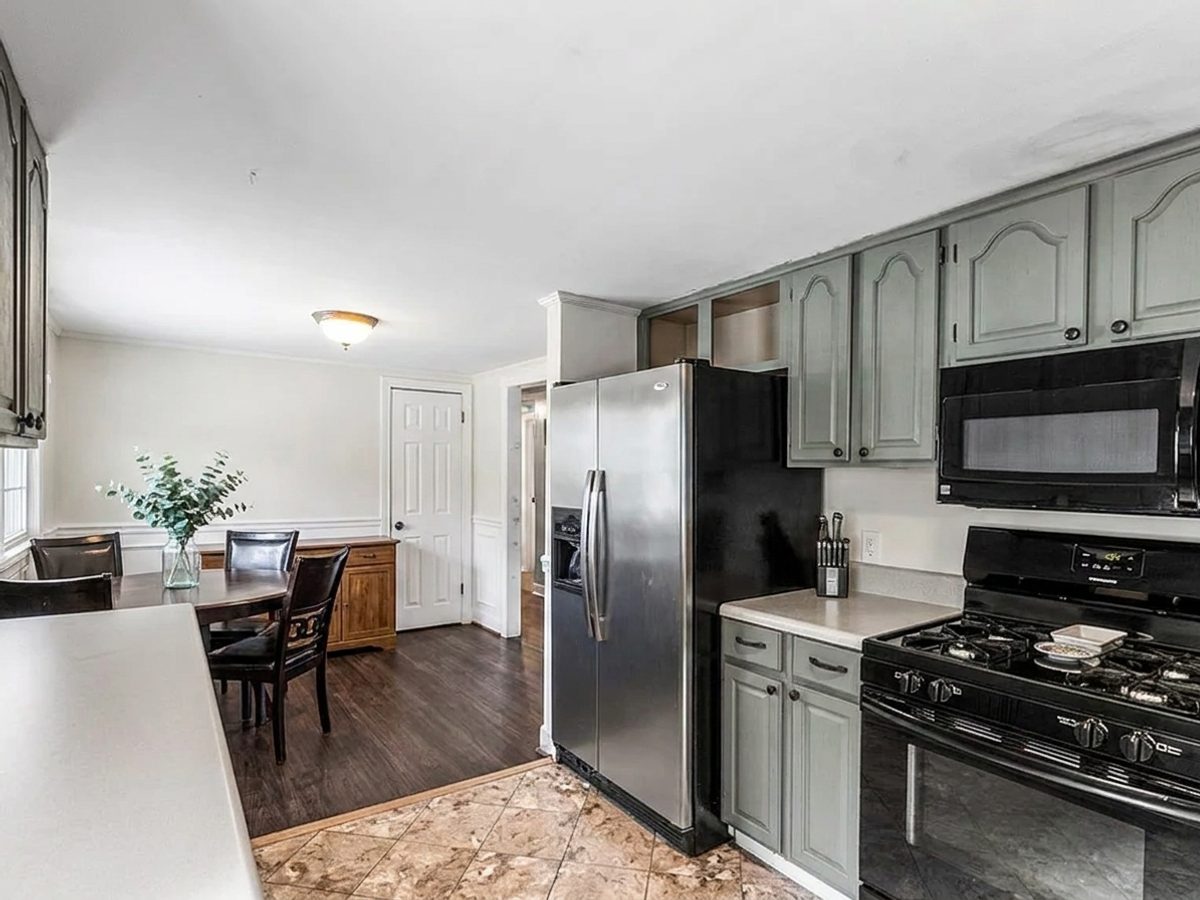
Always remove clutter and unwanted objects first. If you stage a room that still has the old owner's furniture in it, the result gets messy. Start with a clean, empty space and everything after it looks better.
Stage, then style
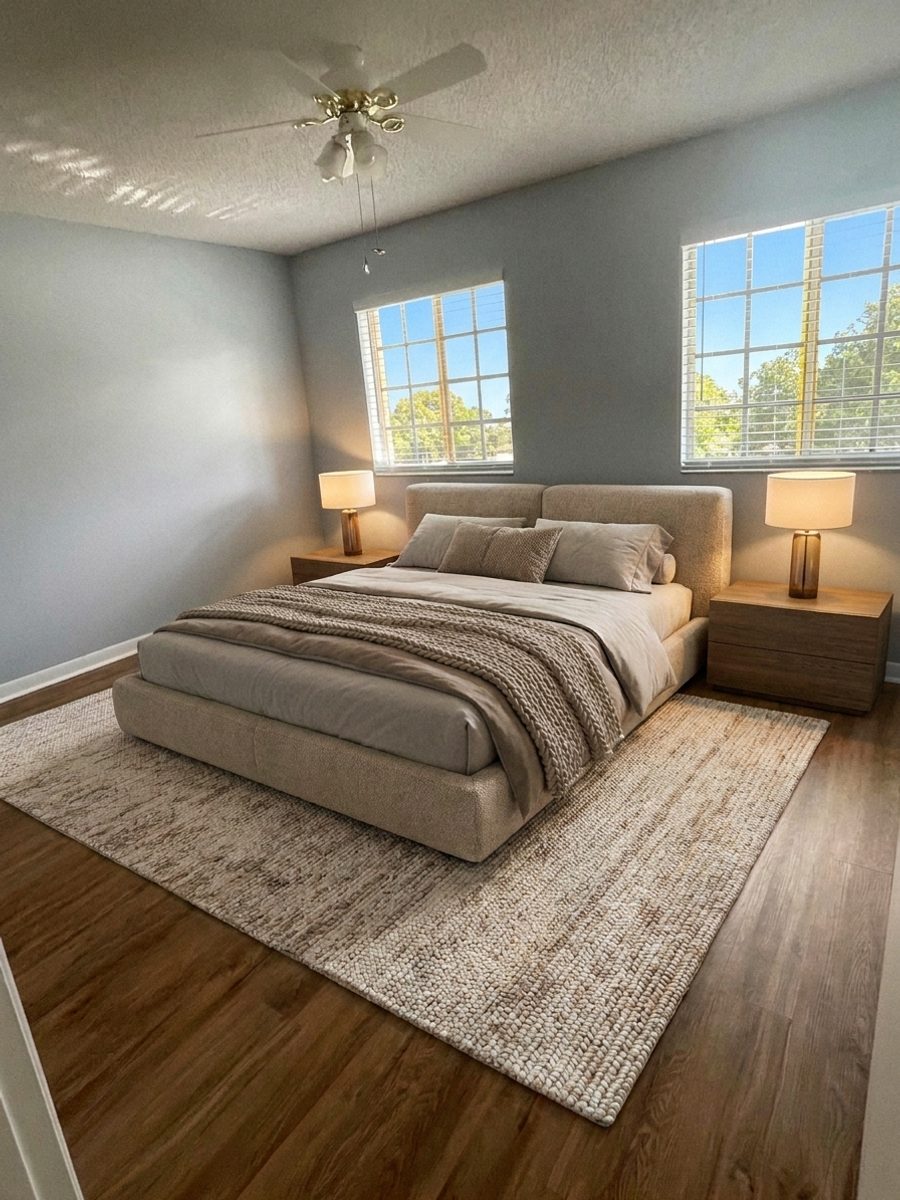
Once the room is clear, add furniture with Virtual Staging. After that you can adjust wall color with the Paint Visualizer or try new flooring with Floor Swap. Doing the big change first and the small touches after keeps everything consistent.
Save the light for last
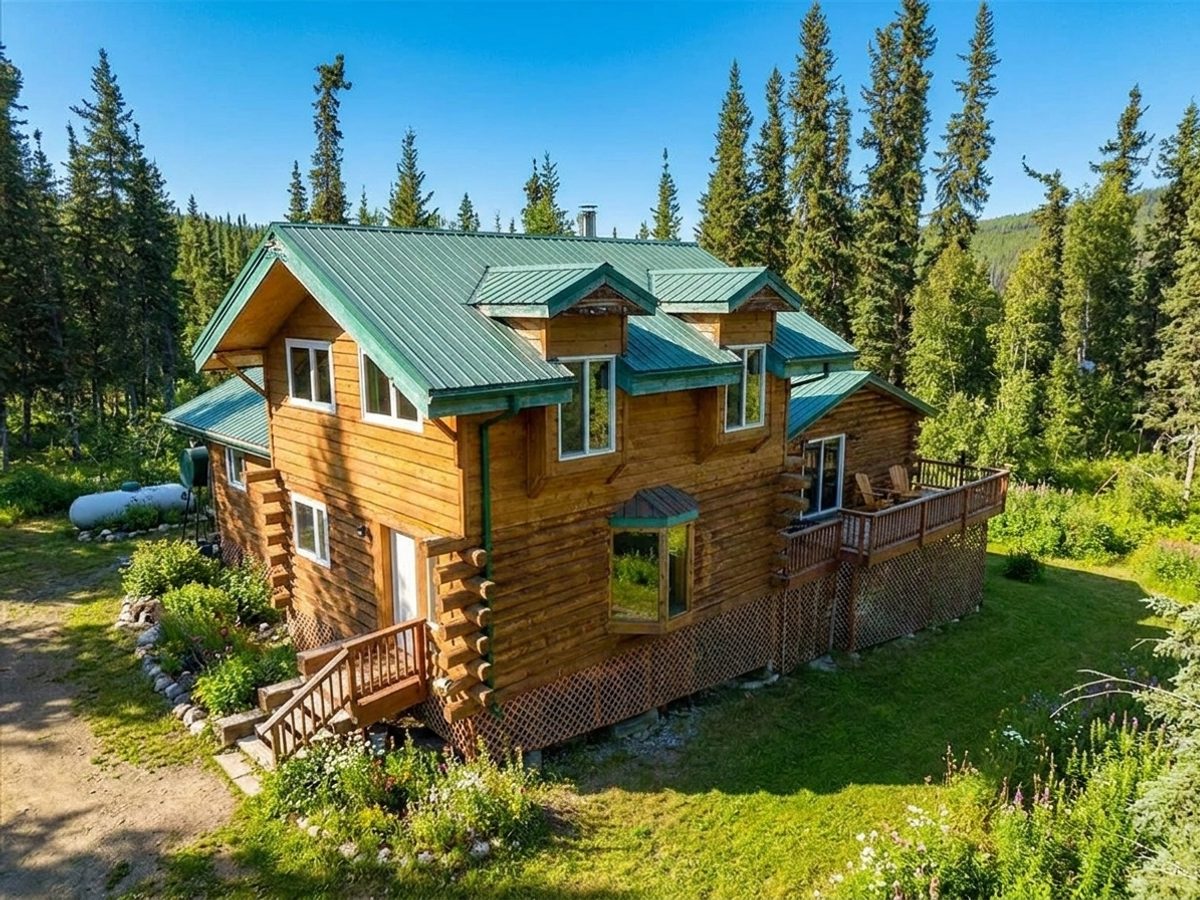
Finish with Photo Enhancement so the final image has balanced, natural light across every element you added. For exteriors, apply Day to Dusk or Sky Replacement at the end. Lighting last means the whole photo feels like one cohesive shot instead of a patchwork of edits.
Try it free today
Turn your next listing photo into a magazine cover
Create a free PeachStage account and get two hundred credits to start. Stage empty rooms, brighten dark photos, and add golden hour light in about thirty seconds.