Stop Editing Listing Photos One at a Time
July 26, 2026 · 4 min read
A typical listing is twenty to twenty-five photos. Editing them one at a time — upload, wait, download, repeat — turns a ten-minute job into an evening. The fix is to stop thinking in photos and start thinking in properties.
Group before you upload
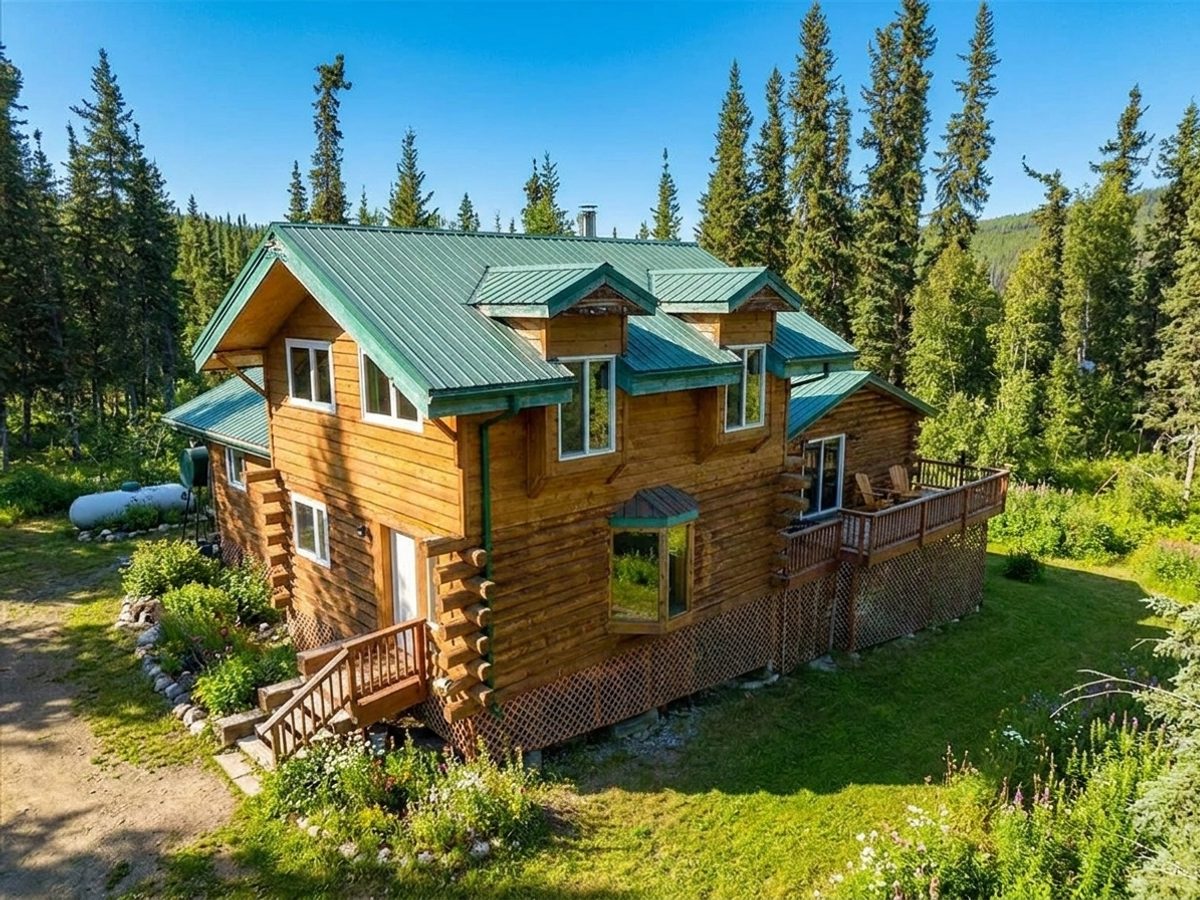
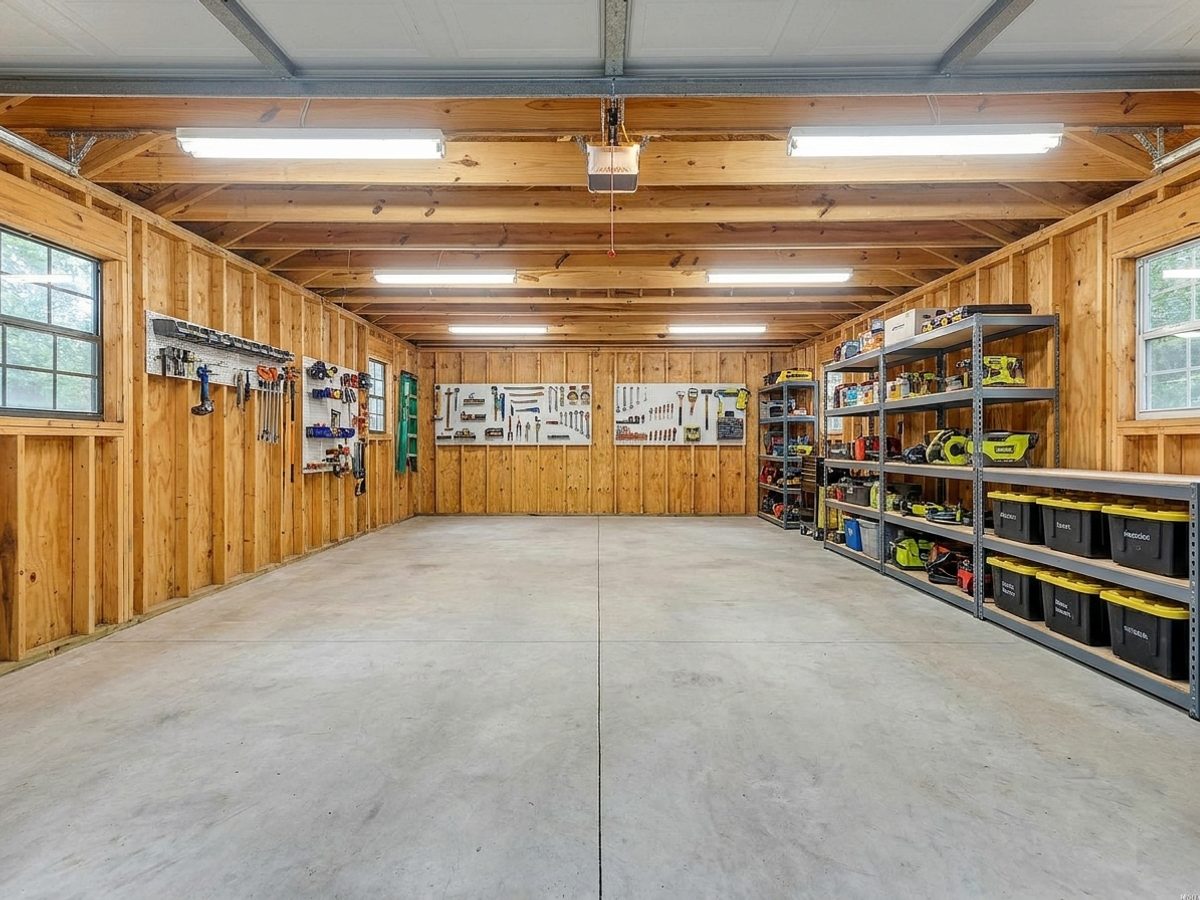
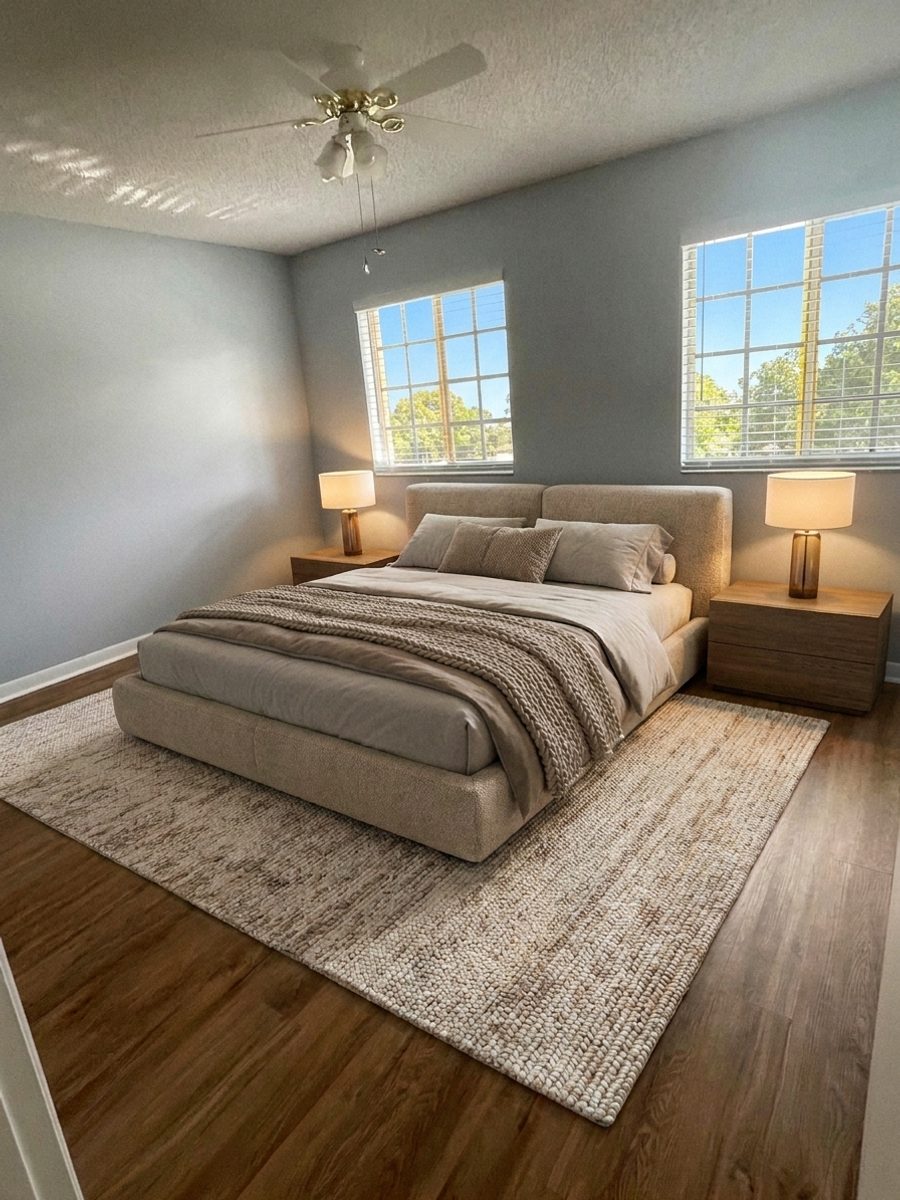
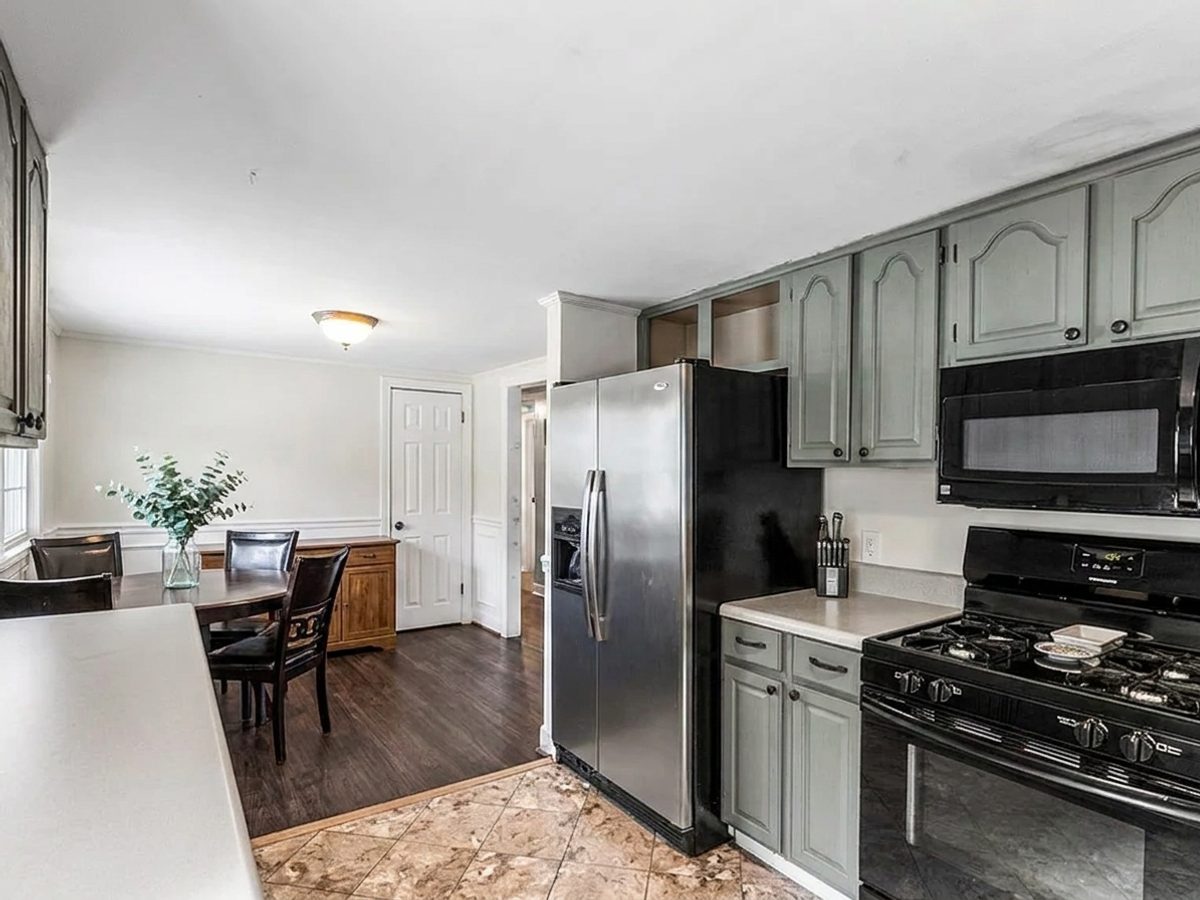
Settings apply across a batch, so split the shoot into groups that want the same treatment. Interiors that need brightening go together. Exteriors that need a sky go together. Bedrooms that need staging go together, because a bedroom and a kitchen want very different furniture.
Three focused batches beat one mixed batch every time, and it is still far quicker than twenty single runs.
Run the whole set at once
- Pick one tool for the batch.
- Set the room type and style once — it applies to everything.
- Drop in up to twenty photos.
- Leave it running. Anything that finishes lands in your gallery whether you are watching or not.
- Download the finished set as a single zip when it is done.
Keep the set looking like one house
The giveaway on a badly edited listing is inconsistency: one room warm, the next cold, three different furniture styles across four bedrooms. Running a batch with one style setting keeps the set coherent, which is what makes a gallery feel professionally shot rather than assembled.
Finish by scrolling the whole set as a buyer would, in order. Anything that jumps out is the one to redo.
Try it free today
Turn your next listing photo into a magazine cover
Create a free PeachStage account and get two hundred credits to start. Stage empty rooms, brighten dark photos, and add golden hour light in about thirty seconds.