How to Furnish an Empty Room for a Listing in Under a Minute
July 26, 2026 · 3 min read
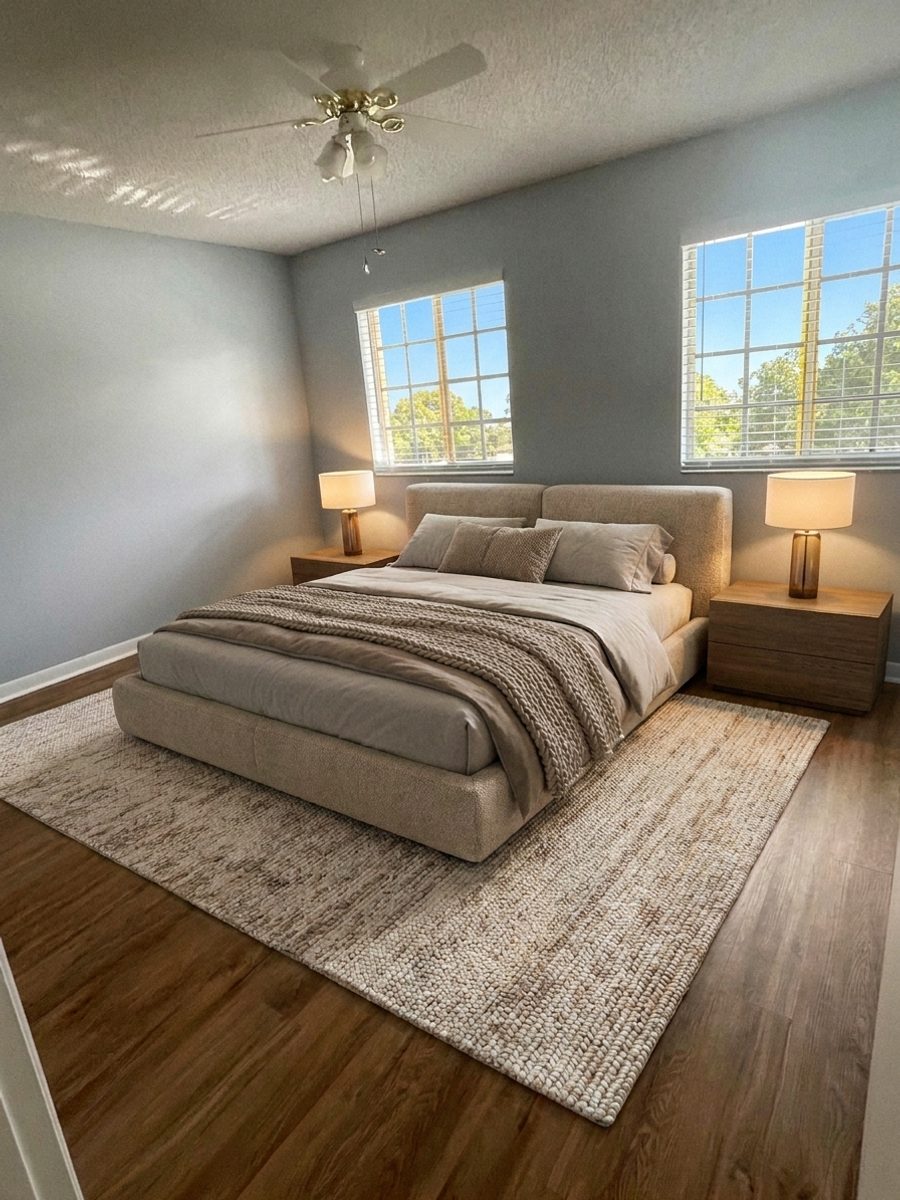
People assume staging a room takes skill or software training. It does not. If you can send a text message, you can furnish an empty room with PeachStage. Here is the whole thing start to finish.
Step one, upload your photo
Open the Virtual Staging tool and drop in a photo of the empty room. A bright, straight on shot works best. You can even try one of the example photos first to see how it works.
Step two, answer a few quick questions
The tool walks you through it one step at a time. Pick the room type, choose a design style, and if you want, select the exact furniture you would like to see. There is no guesswork and nothing to learn.
Step three, download and post
In about thirty seconds you get a finished, photorealistic image. Compare the before and after, download the full resolution file, and add it to your listing with a note that it is virtually staged. That is the whole process, and it is genuinely that easy.
Try it free today
Turn your next listing photo into a magazine cover
Create a free PeachStage account and get two hundred credits to start. Stage empty rooms, brighten dark photos, and add golden hour light in about thirty seconds.