Turn One Listing Photo Into a Scroll-Stopping Video
July 24, 2026 · 4 min read
Every social platform now pushes video ahead of stills. The problem is that a proper listing video means a videographer, a gimbal, a half day on site and a bill that only makes sense on your bigger listings. A single photo and a slow camera move gets you most of the way there for a fraction of it.
Which camera move to pick
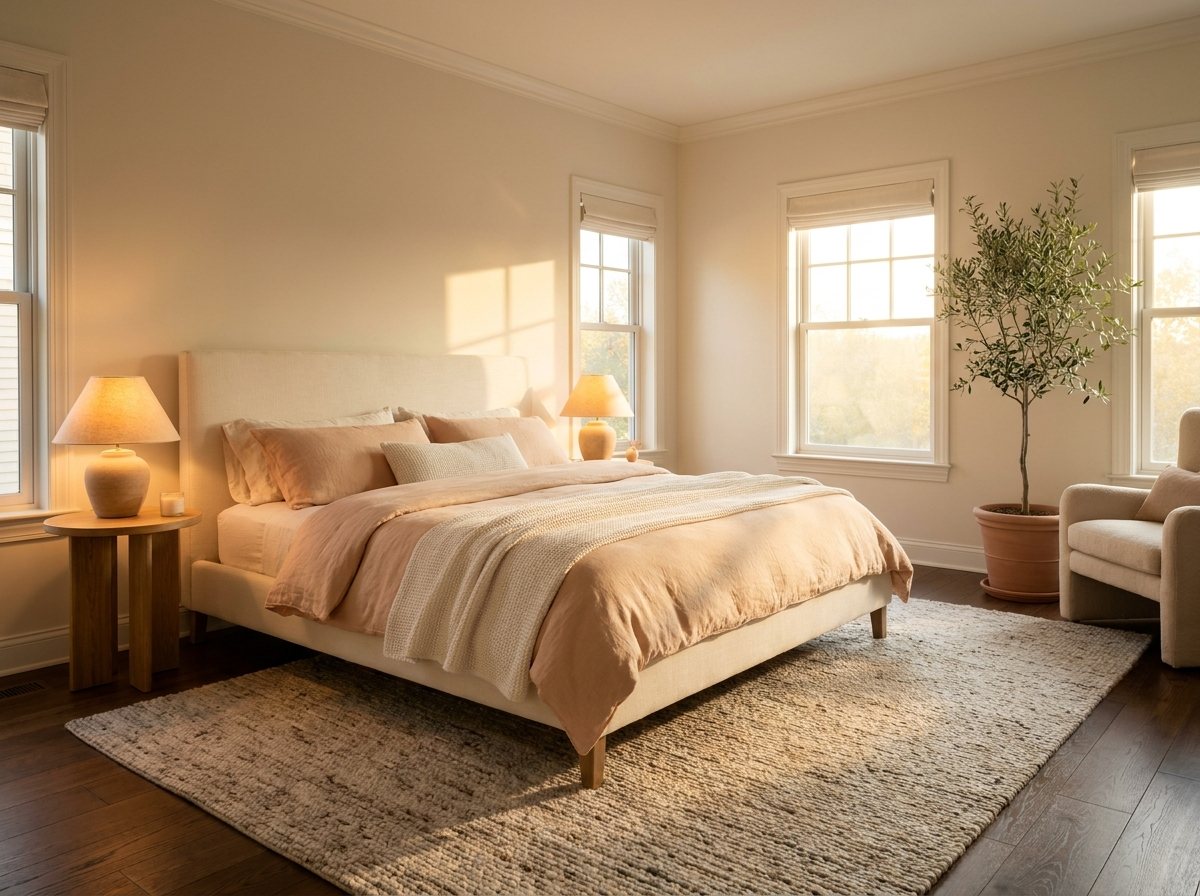
- Slow push in — best for a hero shot. Draws the eye into the room.
- Pull back reveal — best when the room is bigger than it first looks.
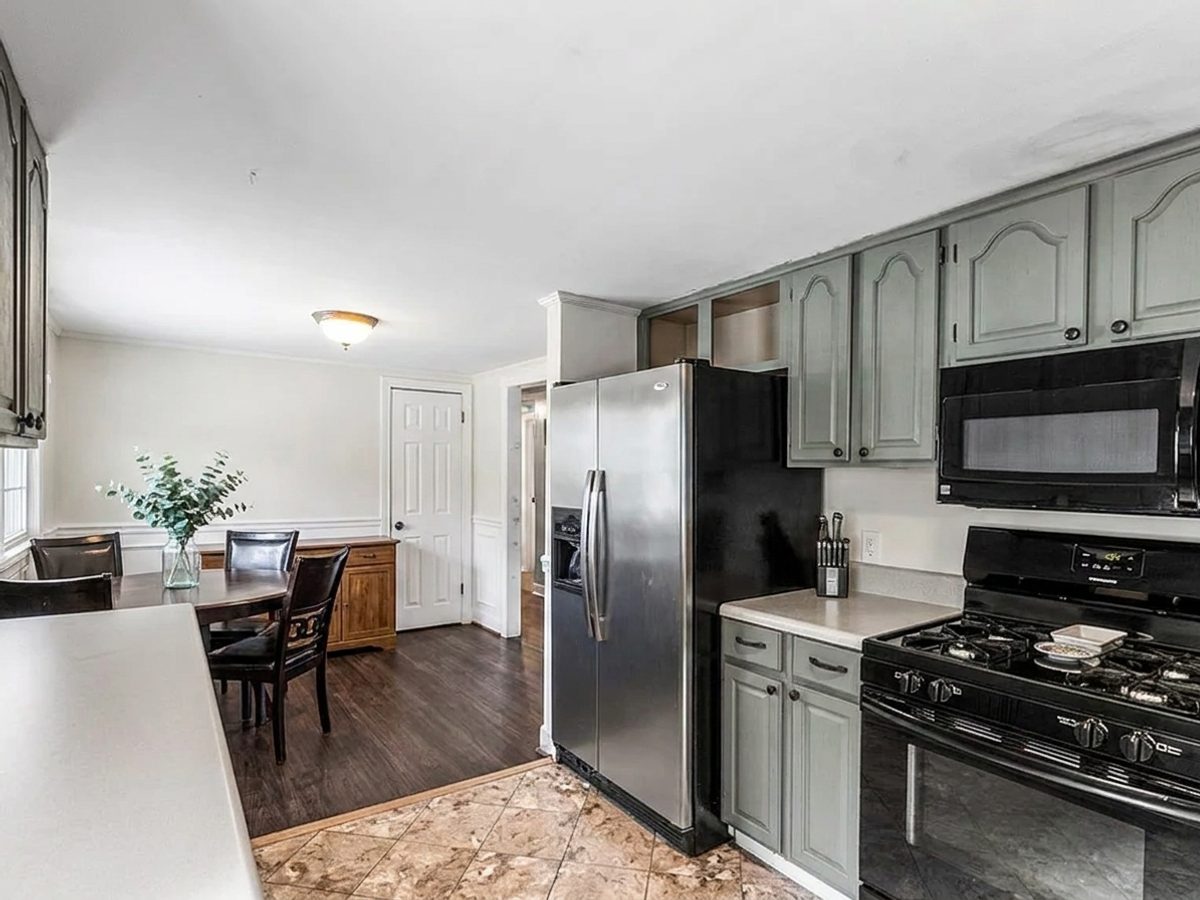
- Pan left or right — best for long spaces, kitchens and open plans.
- Gentle orbit — best for a feature you want to show from more than one side.
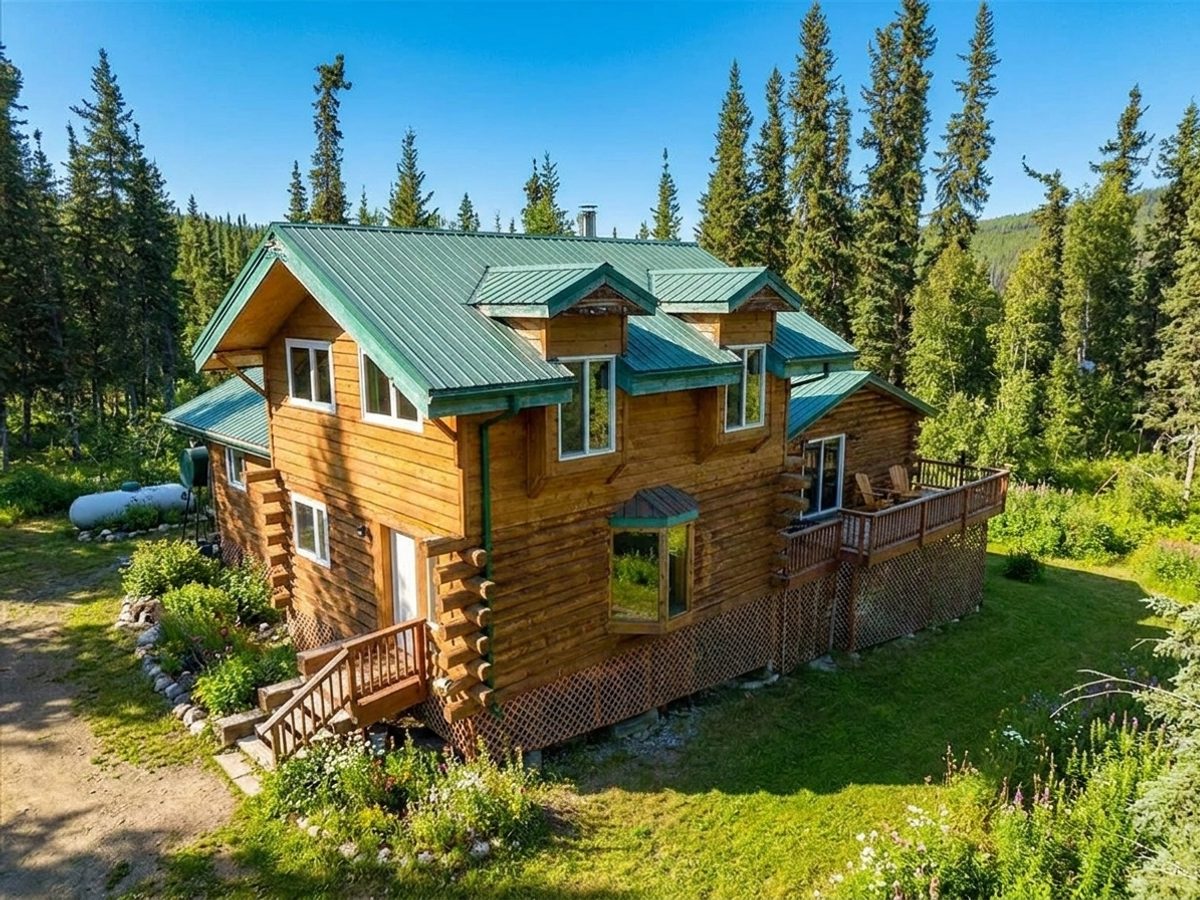
- Crane up — best for exteriors and anything with a high ceiling.
Why slow beats dramatic
It is tempting to pick the most energetic move available. Resist it. AI video holds straight lines well at walking pace and starts bending them at running pace, and nothing destroys trust in a listing faster than a wall that visibly warps.
A five-second clip with a steady, almost boring move looks like it came off a gimbal. The same clip with a fast swoop looks like a video game.
Where to actually post it
Lead your Instagram and TikTok posts with the clip and let the stills follow in the carousel. Add it to the top of your listing page where portals allow video. Send it in your first email to a new lead, because a moving image survives an inbox skim in a way a photo attachment does not.
Try it free today
Turn your next listing photo into a magazine cover
Create a free PeachStage account and get two hundred credits to start. Stage empty rooms, brighten dark photos, and add golden hour light in about thirty seconds.