The Airbnb Photo Checklist That Gets More Bookings
July 10, 2026 · 6 min read
On Airbnb your photos do the selling while you sleep. Guests scroll fast and book on feel. If your rooms look dim or cluttered, they scroll right past you to the next listing. This checklist walks through everything that makes a stay look bookable, and how PeachStage handles the parts that are hard to shoot.
Start with a bright, honest cover photo
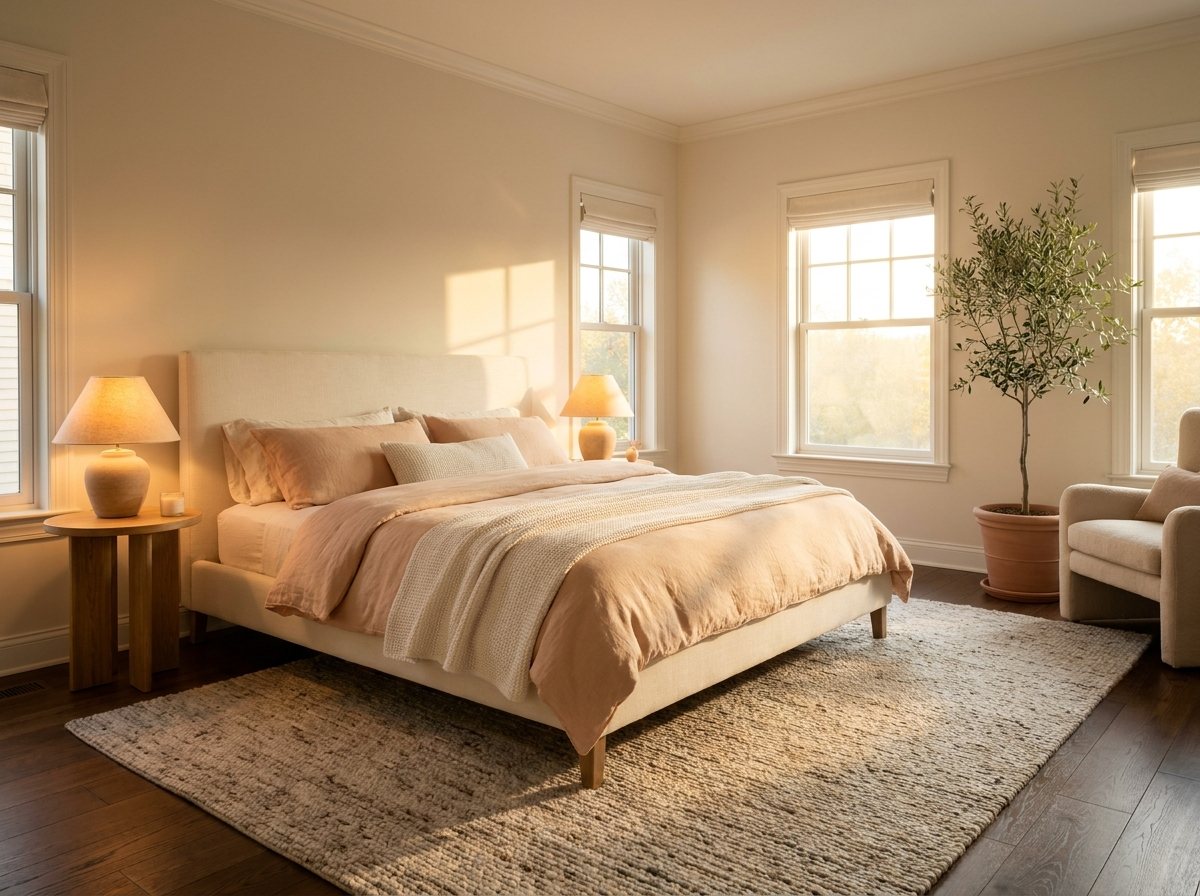
Your cover photo decides whether a guest taps in. Choose the most inviting room, usually the living space or the main bedroom, and make sure it is bright and welcoming. If the room came out dark, the Photo Enhancement tool balances the light and brings back the color without changing anything real.
Clear the clutter
Guests want calm, not chaos. Remove stray cords, laundry, and personal items. If something snuck into the frame, Object Removal wipes it out and rebuilds the surface behind it so the room looks clean and staged.
Show the whole story
- One bright cover photo of the best room.
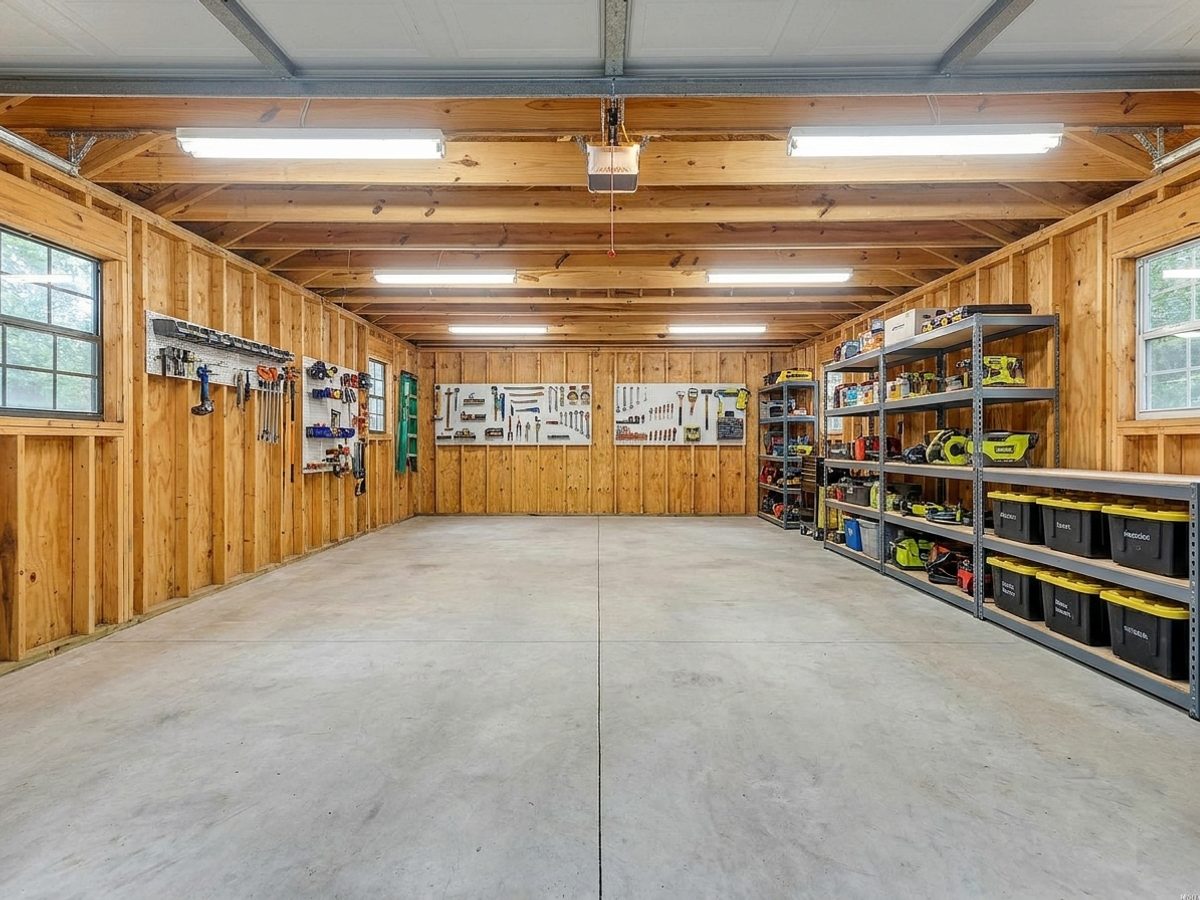
- Every bedroom and bathroom, well lit.
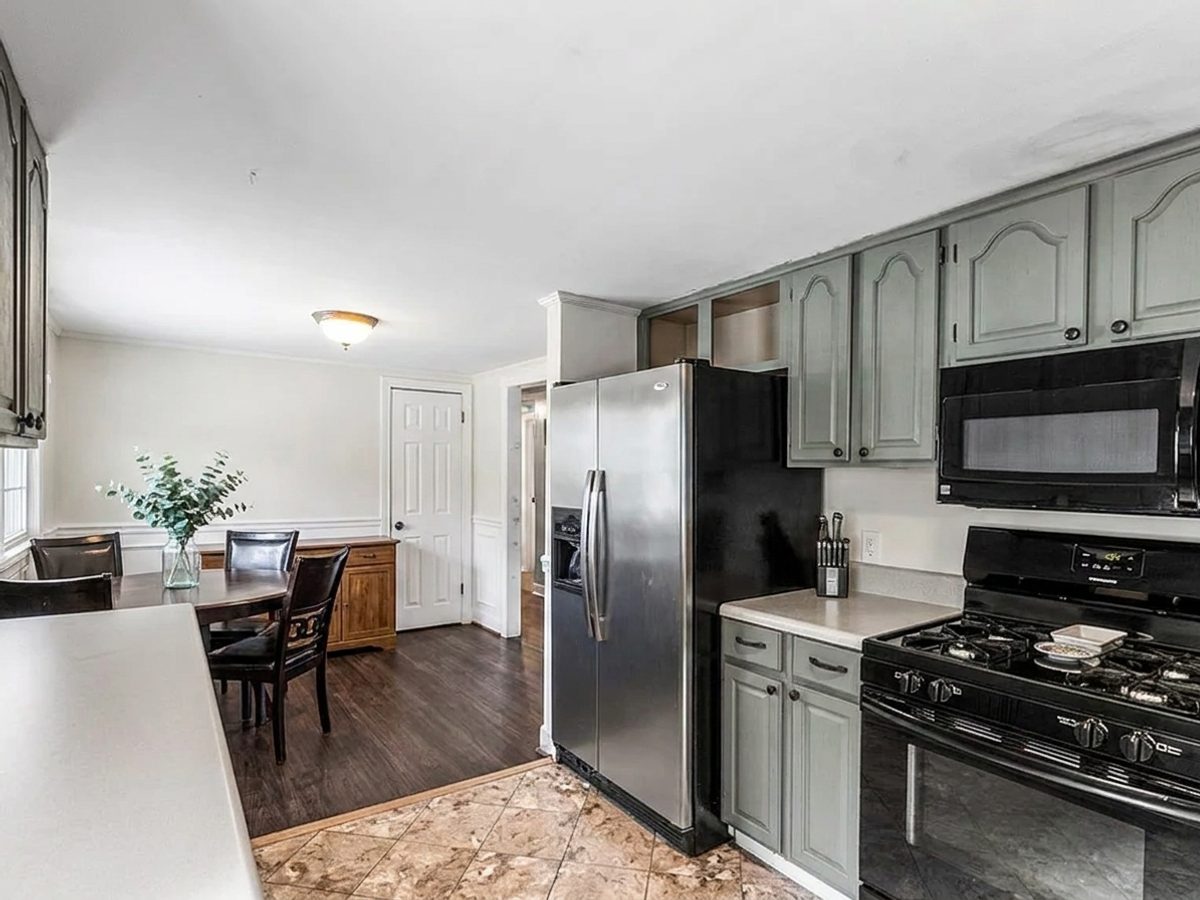
- The kitchen and any special feature like a pool or a view.
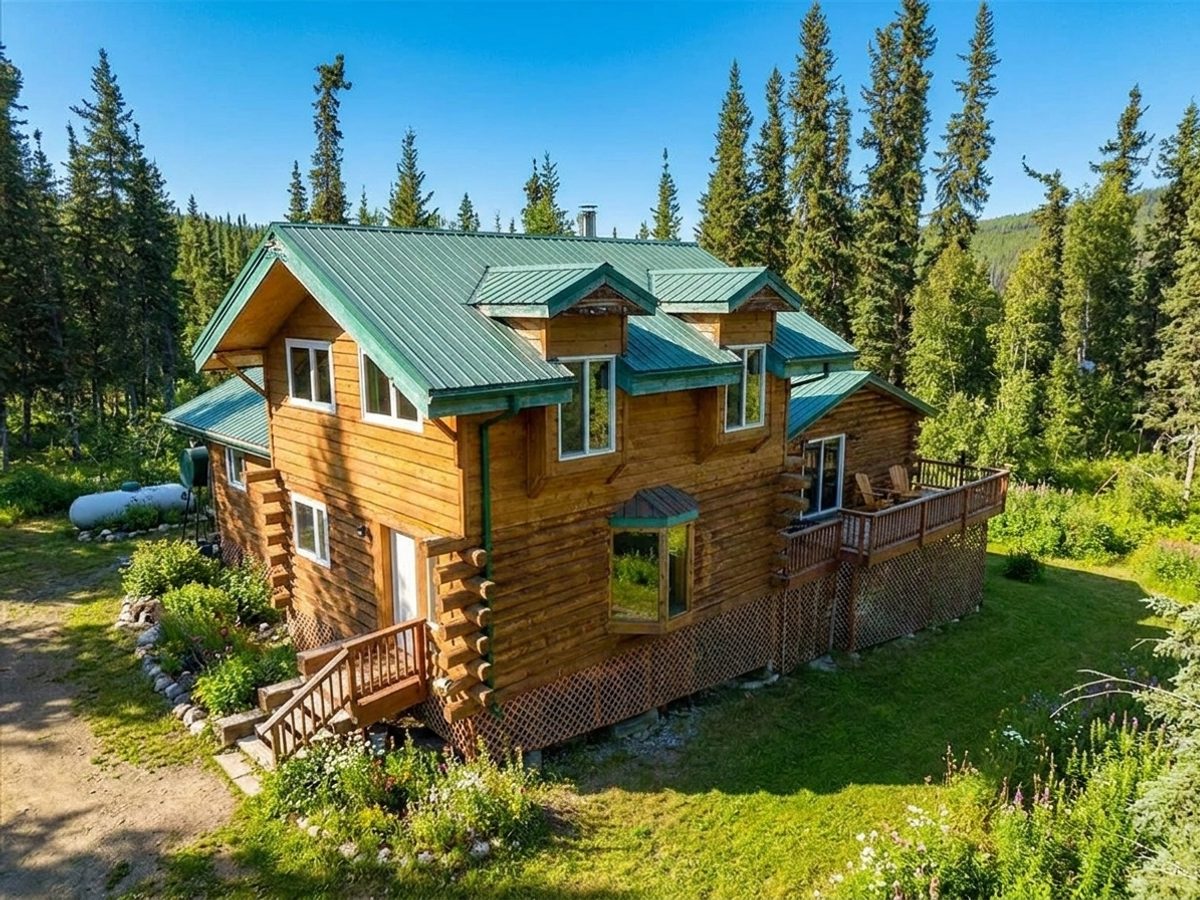
- A tidy outdoor space, freshened up with the Landscaping tool if needed.
Refresh with the seasons
A summer photo in December feels off to a guest. The Change Season tool lets you show your place in the season a guest is actually booking, which builds trust and gets more nights filled.
Try it free today
Turn your next listing photo into a magazine cover
Create a free PeachStage account and get two hundred credits to start. Stage empty rooms, brighten dark photos, and add golden hour light in about thirty seconds.