How to Make Dark Listing Photos Bright and Inviting
July 12, 2026 · 4 min read
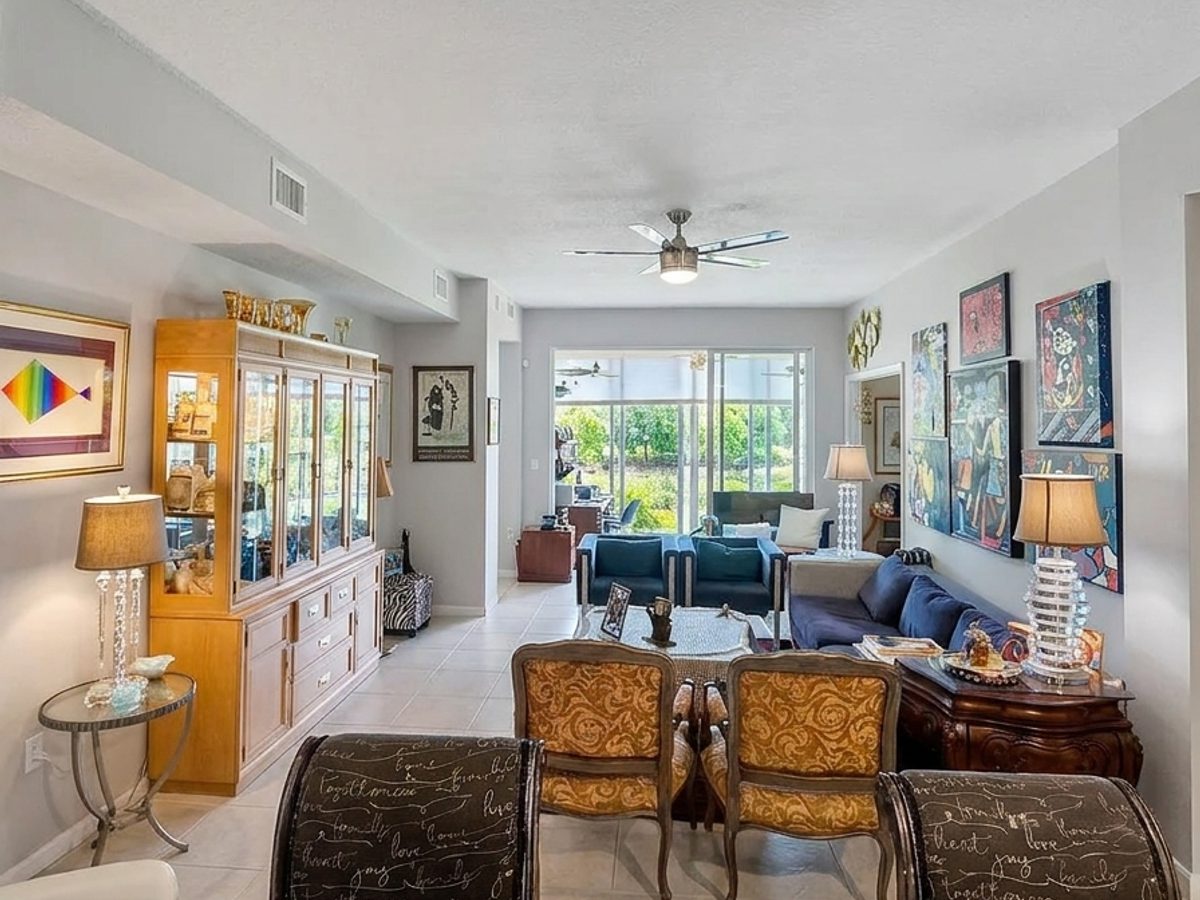
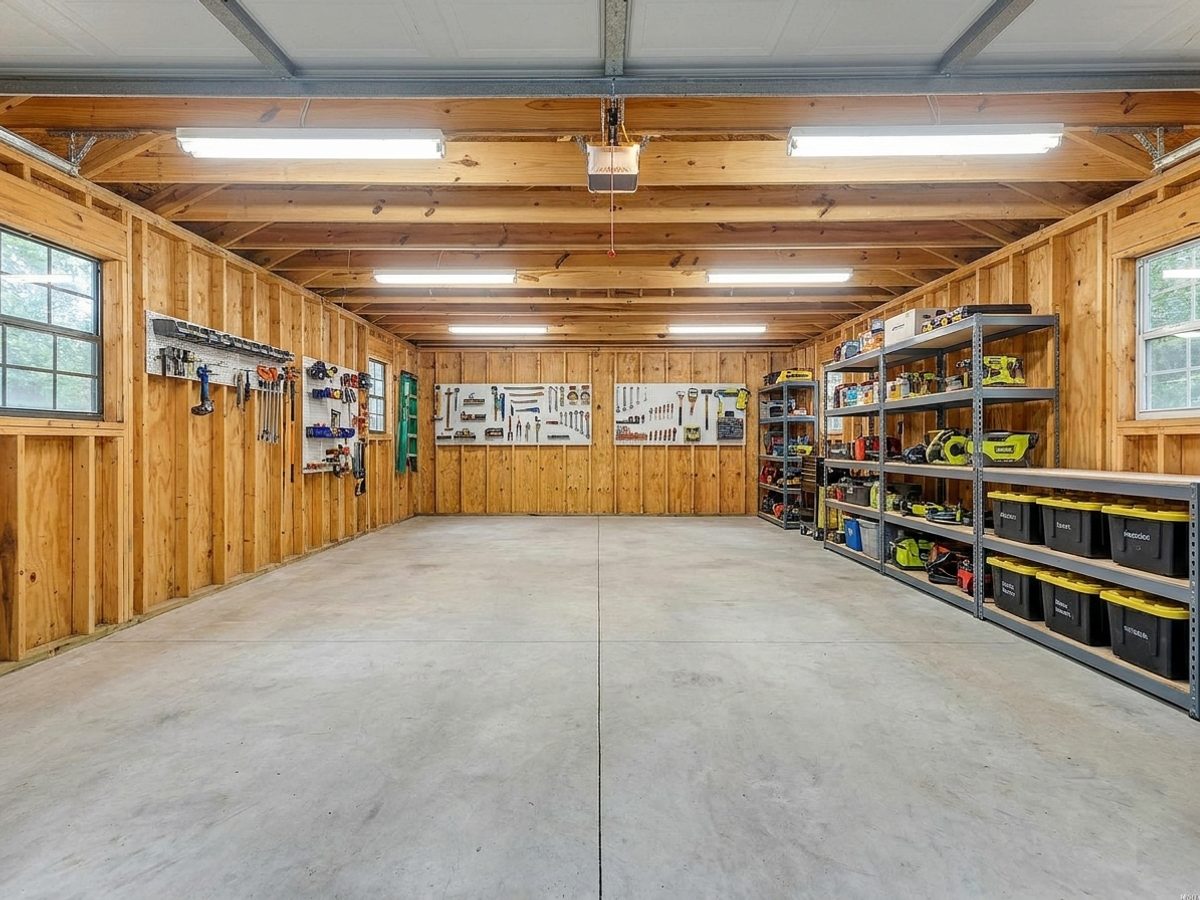
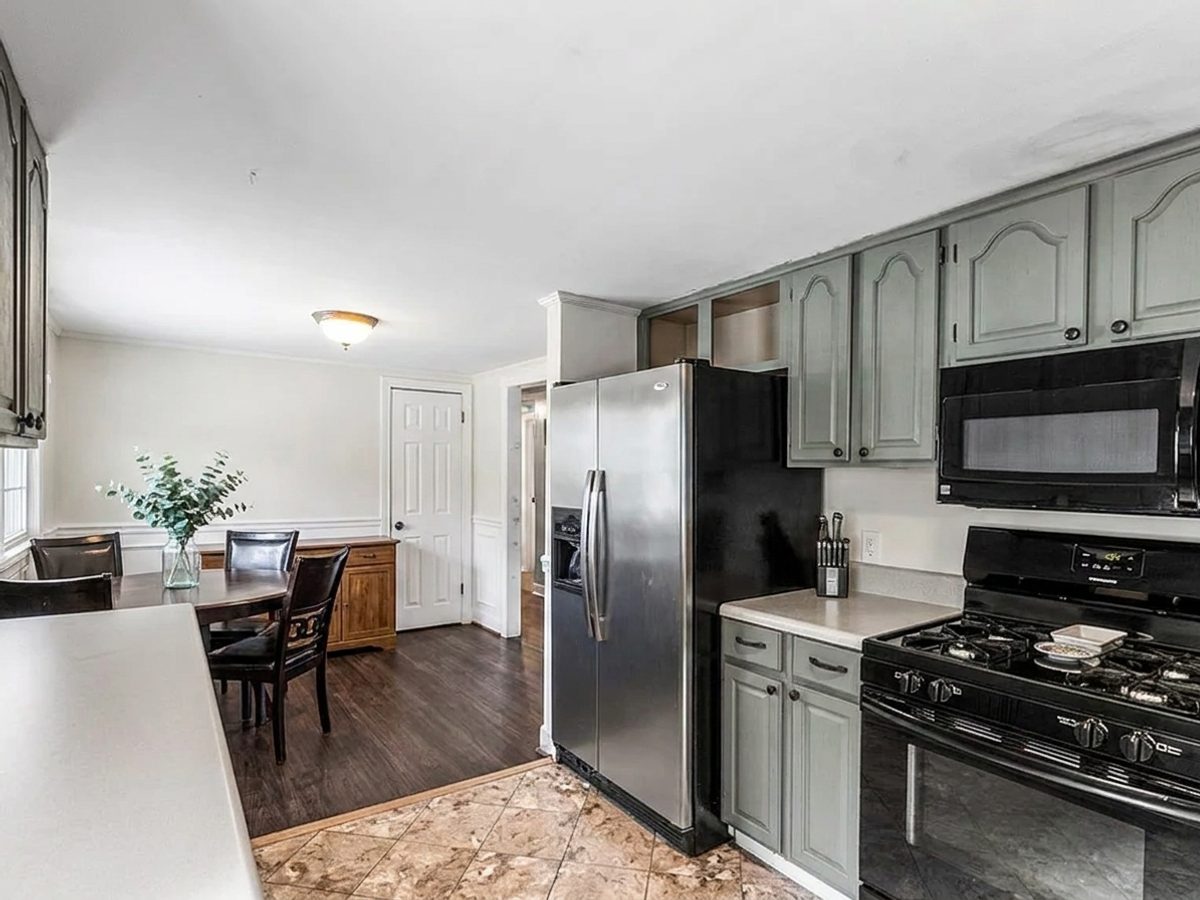
You walk through a home and it feels warm and full of light, but the photos come out dim and yellow. It happens to everyone who shoots with a phone. The good news is that a dark photo is almost always fixable, and you do not need to reshoot.
Why phone photos look dark
Phones struggle when a room has bright windows and darker corners at the same time. The camera picks one and loses the other, so the windows blow out while the room falls into shadow. The result feels flat and gloomy even though the real room was lovely.
The one click fix
Upload the photo to the Photo Enhancement tool. PeachStage lifts the shadows, recovers the window view, corrects the yellow color, and sharpens the detail. It does not add or move anything in the room. It just makes the light look the way your eye saw it in person.
Bright, true to life photos make a home feel bigger and happier, and that is what turns a scroll into a showing.
A quick tip before you shoot
Open every curtain and turn on every lamp before you take the photo. More light going in means a cleaner starting point, and the enhancement has more to work with. Shoot from a corner to show the room at its widest.
Try it free today
Turn your next listing photo into a magazine cover
Create a free PeachStage account and get two hundred credits to start. Stage empty rooms, brighten dark photos, and add golden hour light in about thirty seconds.